Exportix tutorial
Turn a saved query into a file another system expects. License Exportix on the site.
Before you start
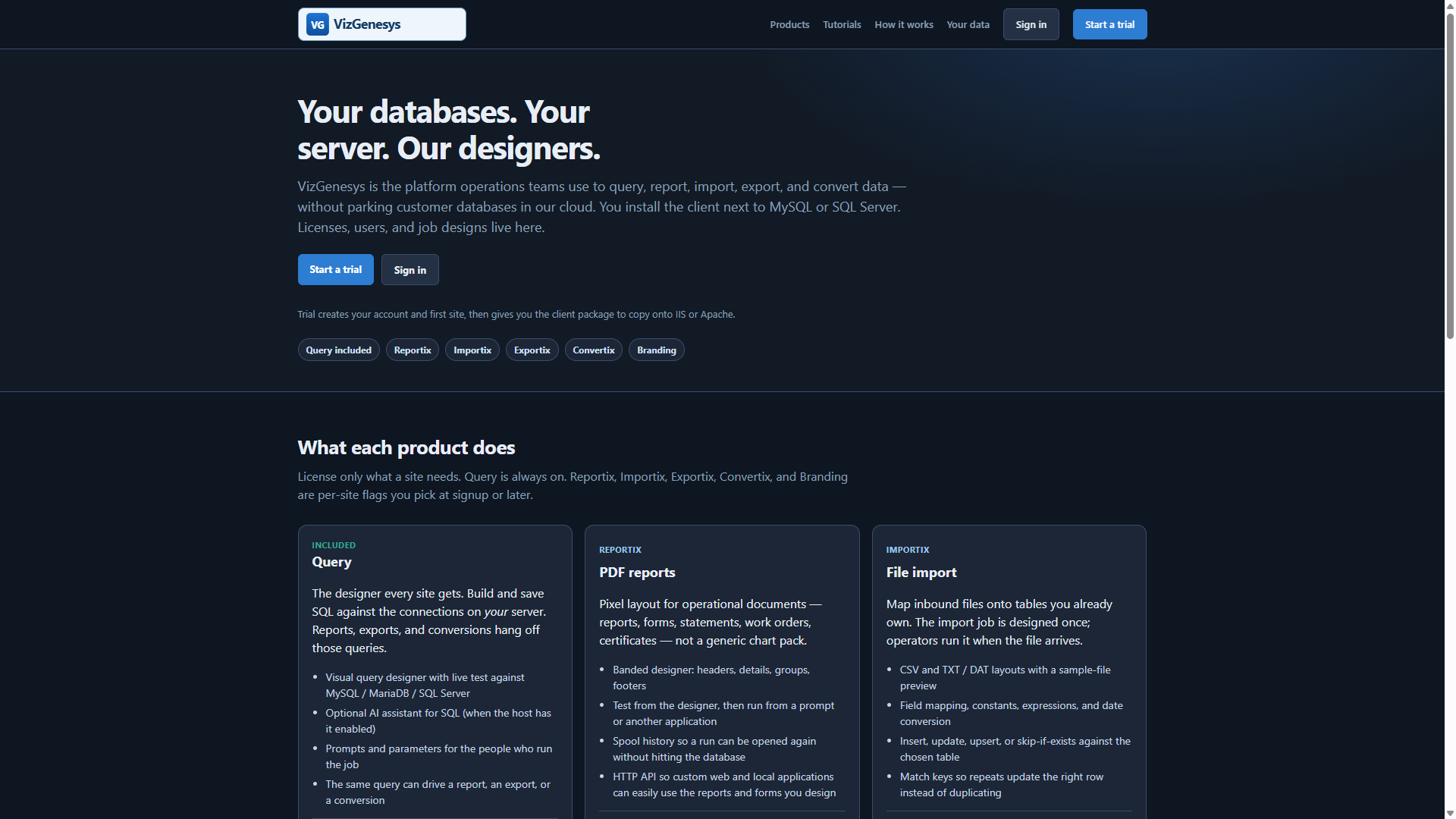
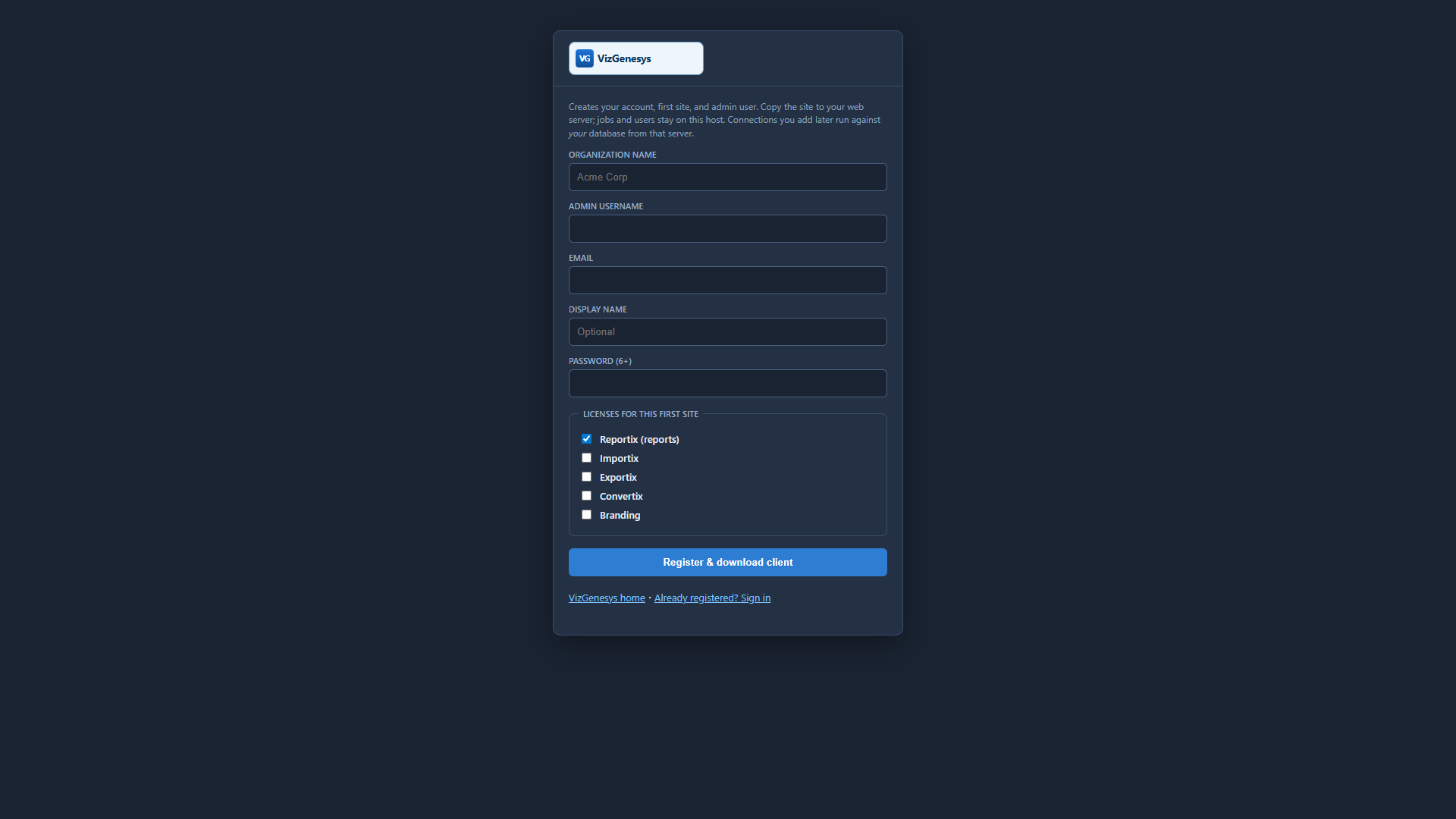
Register or log into the main VizGenesys website at www.vizgenesys.com. Set up your company. Click Sites and set up or add a new site. Click Download and download the client-side package.
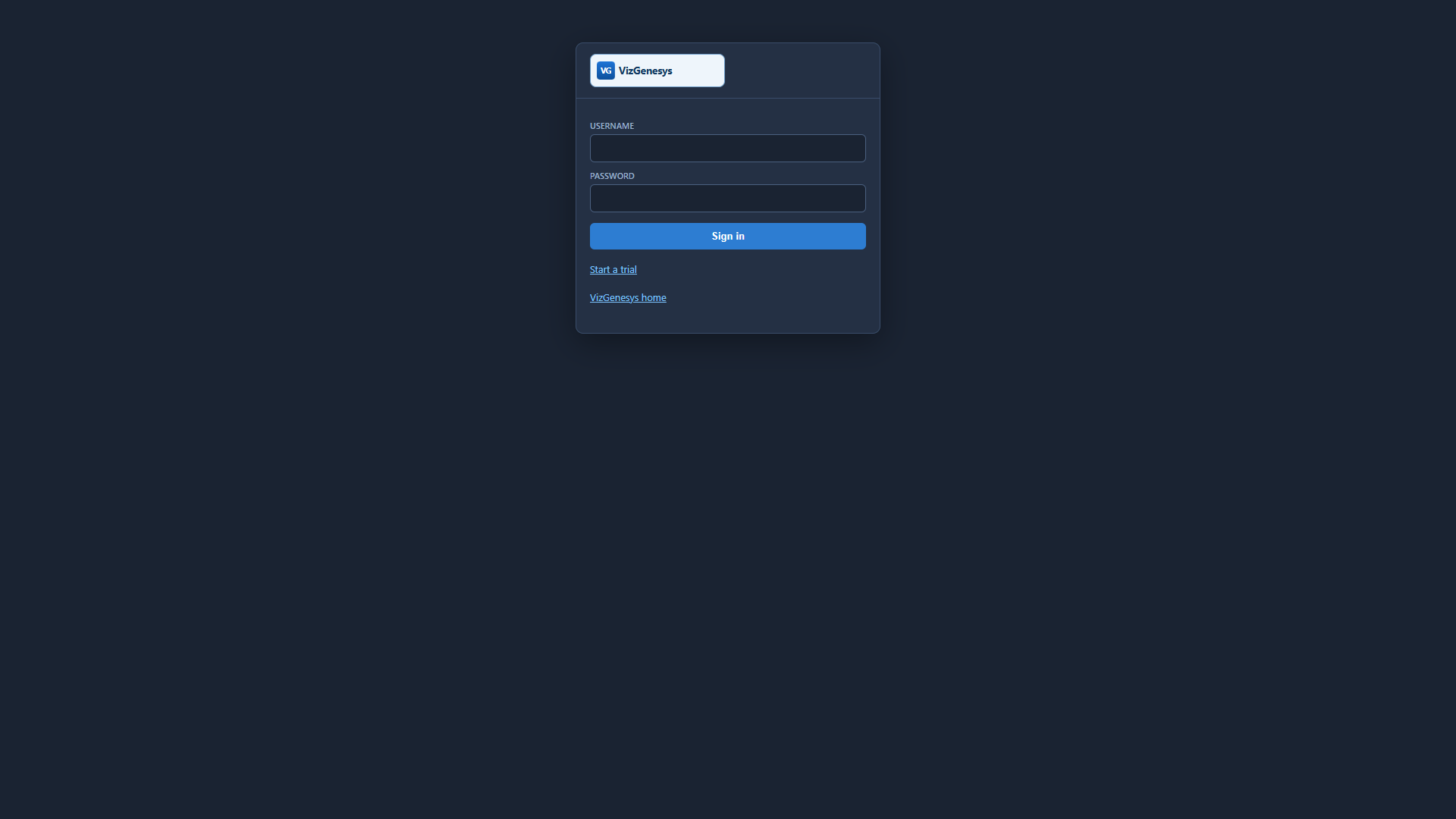
Unzip the package and copy the entire vizgenv4 folder to your target web server. Go to http://yourserver/vizgenv4/ and log in with that same username and password.
- Click the Connections tab and add connections to your database servers (MySQL / MariaDB or Microsoft SQL Server). These connection details remain on your server. They are not stored on vizgenesys.com or any other server. Save the connection. If the details are correct you will see that you have an active connection to that database server.
- Click Users & Groups. Select a user (your first user is the site administrator). Edit the user and select which connections and SQL types that user is allowed to use.
- Click Misc and tailor theme, branding, and the data folder to your environment if desired.
- Click Jobs and add your first export. Start from a saved query when you can.
Design the export
- Start from a working query so column names are stable.
- Jobs → add an Export. Choose CSV, TXT/DAT, JSON, or XML.
- For nested text files, define record types: header, break, detail, footer.
- Use padding, comma masks, and system values (today, row number) where the downstream system is picky.
- Test, then save.
Run and collect the file
- Dashboard Run or
prompt.php?job=…fills prompts, then writes the file. - Staff pick it up from the download tray (same idea as spool history for PDFs).
- A custom app can call the run API with
mode=exportanddownload=1to receive the bytes — HTTP API.
Exports write on the client server into the site data folder (…/downloads), not onto the VizGenesys host.
More: all tutorials · HTTP API (PHP, VB, C)